

Instagram is where a lot of people first meet a brand. The platform reports over 1 billion monthly users, and it’s consistently ranked among the most popular social networks in the world. If your business isn’t there yet, this is your nudge.
Since 2017 you’ve been able to upload up to 10 images as one swipeable carousel. Instagram clearly wants you to share more than a single perfect shot. It wants a product tour, a before-and-after, or a story told one swipe at a time.
Marketers ran with it. Instead of hunting for the one image that says everything, you combine several into a single post. What started as a small feature turned into a format people actually stop for. Carousels earn more engagement than single-image posts for a lot of accounts, and user-generated content tends to convert better than brand-shot content.
Here’s the part nobody warns you about: making one takes time. Ten slides means ten layouts that have to look like they belong together. So I built a template to skip the boring part. You can download it at the end of this post.
Instagram Carousel Size and Format Rules
Before you open Photoshop, get the specs right. These are the limits that matter:
- Max images per carousel: 10
- Max videos per carousel: 2
- Image formats: .jpg and .png
- Square size: 1080 px × 1080 px
- Vertical size: 1080 px × 1350 px
- Max video size: 4 GB for up to 1 minute
The template below is built at 1080 × 1350, the vertical size. Pick one ratio and use it for every slide. Mixing square and vertical inside one carousel makes the swipe jump, and that jolt is enough to lose someone at slide three.
Three Things to Get Right Before You Open the Template
Tip 1 | Pick a narrow audience
Carousels reward specificity. A carousel aimed at everyone gets skimmed by everyone. Aim it at one person with one problem and the swipes happen.
Tip 2 | Tell a story across the slides
Slide one earns the swipe to slide two. That’s the whole job. Build a small arc: the problem, the turn, the payoff. Story is what makes someone reach the last slide instead of closing the app.
Tip 3 | Use the whole space, but keep text near 20%
You have ten frames, not one, so spread the message out. Let images do most of the talking and keep text to roughly 20% of each slide. A slide that’s mostly words gets read as an ad and skipped.
Instagram Carousel Template Preview
The sample carousel below walks through a WordPress caching tutorial. Ignore the topic. Look at the rhythm: a cover, a setup, a few steps, and a closing slide. That structure travels to almost any subject.


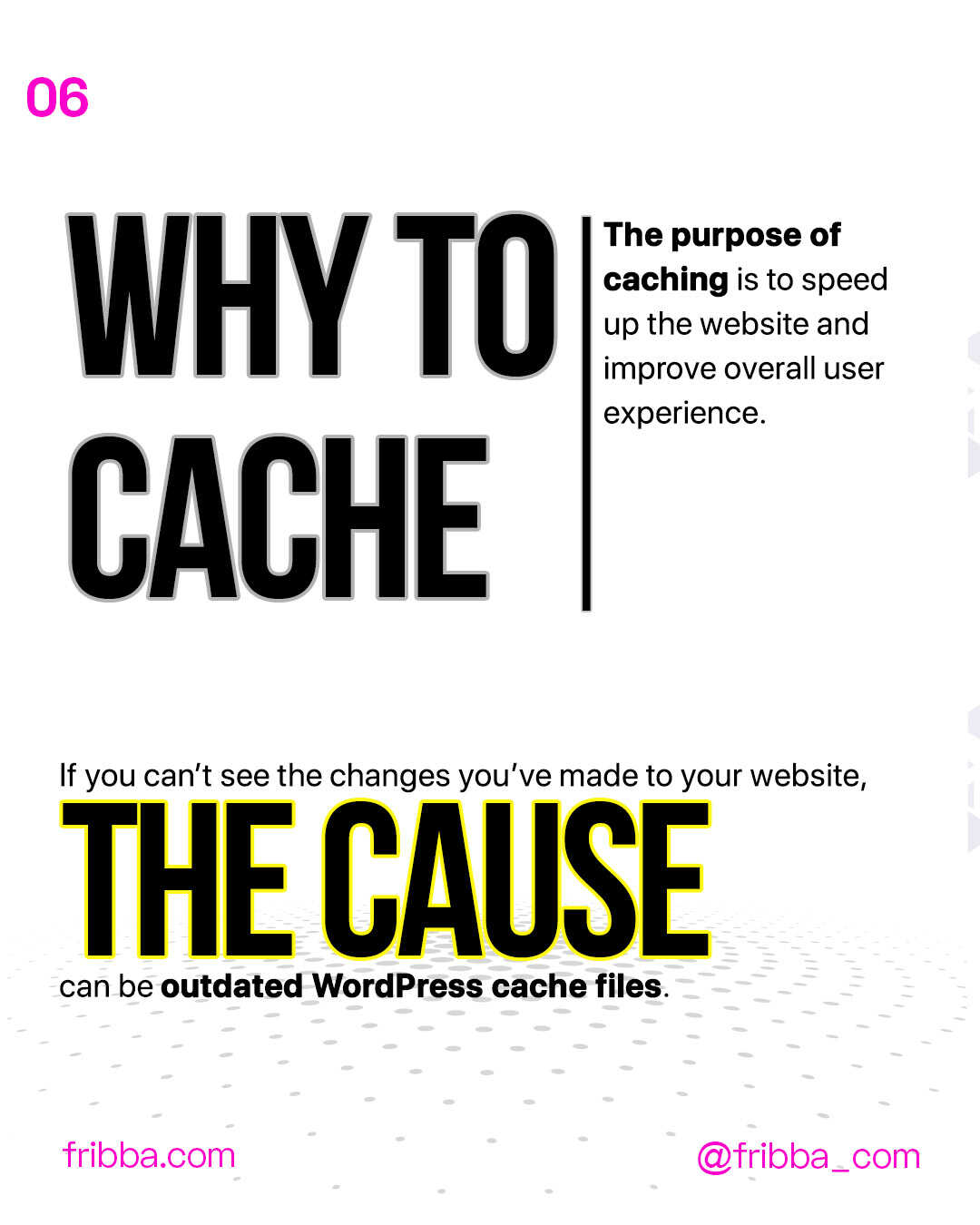


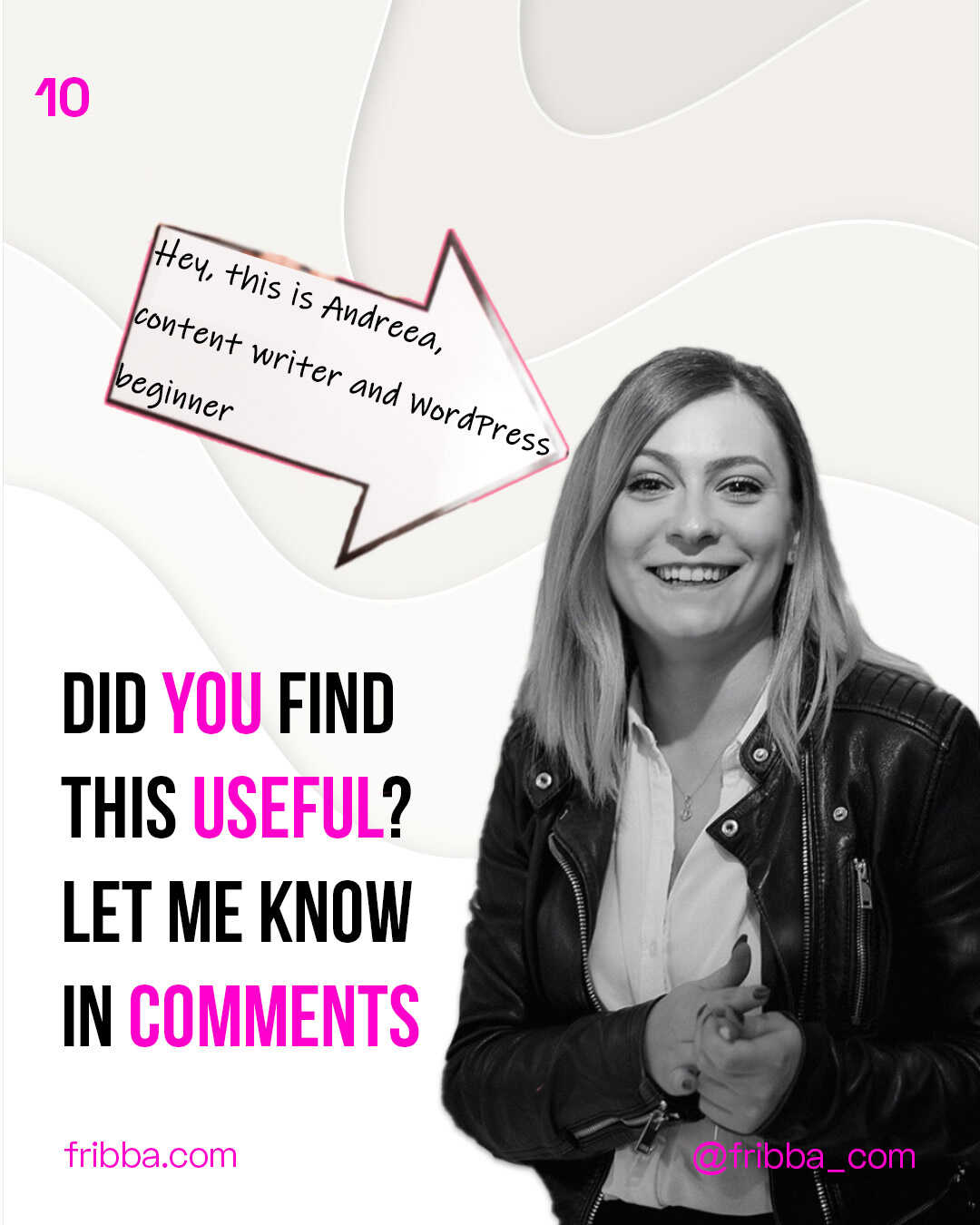
Instagram Carousel Template Info
- Software: Adobe Photoshop
- Format: PSD file (Photoshop)
- Size: 1080 × 1350, 10 slides
- Extra: fully layered and organized
No Photoshop? You can still use the layout as a reference and rebuild it in any editor that handles layers. The online graphic editors in this roundup will open or approximate a PSD well enough for a social post.
Instagram Carousel Download
I want you to have this PSD template so you can get started today instead of next month.
One condition: don’t republish it as your own template under your name. Change the images, fonts, and text to fit your brand. That’s what it’s for.
And one small thing I’d like back. Share it on social media and mention us. That’s the whole price.
[sociallocker]Get your ready-to-go Instagram Carousel from here[/sociallocker]
Thank you tons 🙂 If you’d rather make your own graphics from scratch, the free PSD templates collection has a dozen more starting points.






No Comments